
GPU compatibility checklist
Check case clearance, power, connectors and software support before ordering a graphics card.
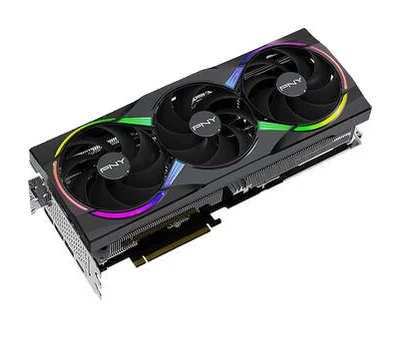
Measure available space
Check the specific card’s length, height and slot thickness. Allow room for power connectors and cables, and check whether a front radiator or drive cage reduces the available space.
Match the power supply and connectors
Look up the GPU manufacturer’s recommended system power and connector requirements. Check the exact model of your power supply and use the cables specified for it. Modular power supply cables can have different pinouts even when their connectors fit.
Check the workload
Confirm the driver, operating system and software requirements for your applications. Compare VRAM capacity with the workload and check whether your motherboard and case support the intended number of cards.